Realistic Car Controller Pro 2
A modular vehicle controller for driving, racing and drifting games in Unity 6.
Custom wheel and tire simulation, mechanical visual rigs and Compact City test areas.
Custom Wheels · 12 Vehicles · Day & Night
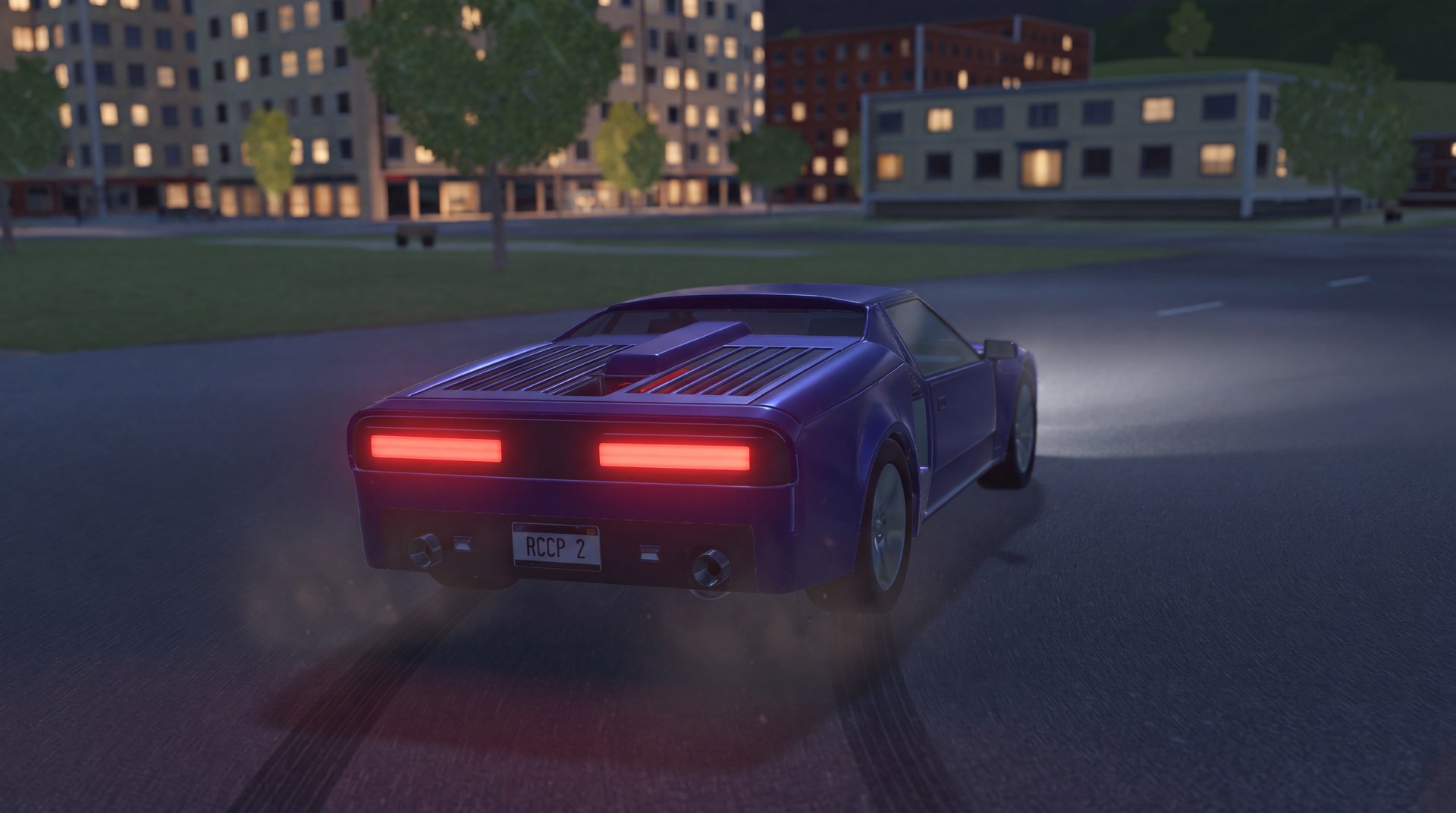
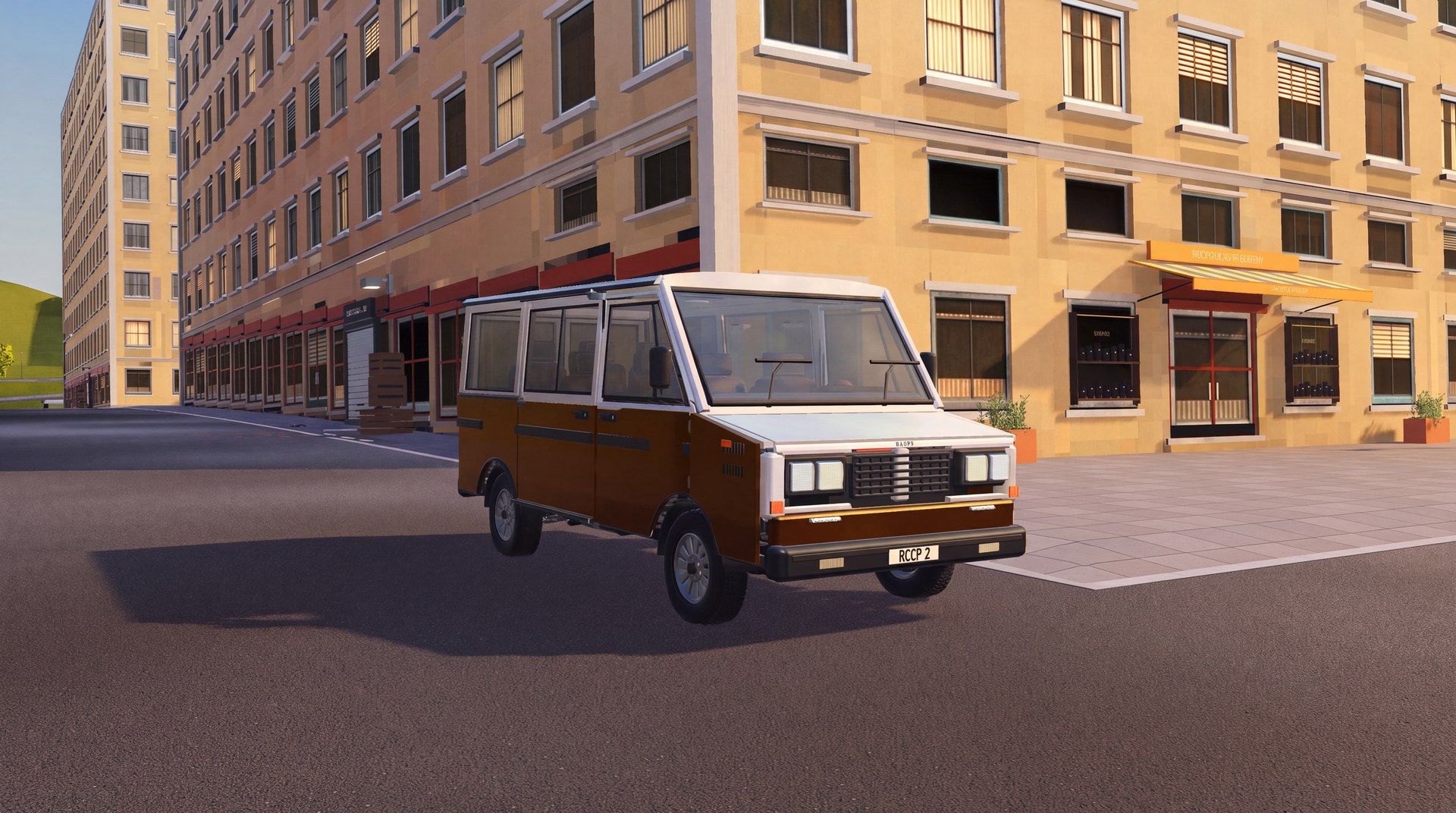
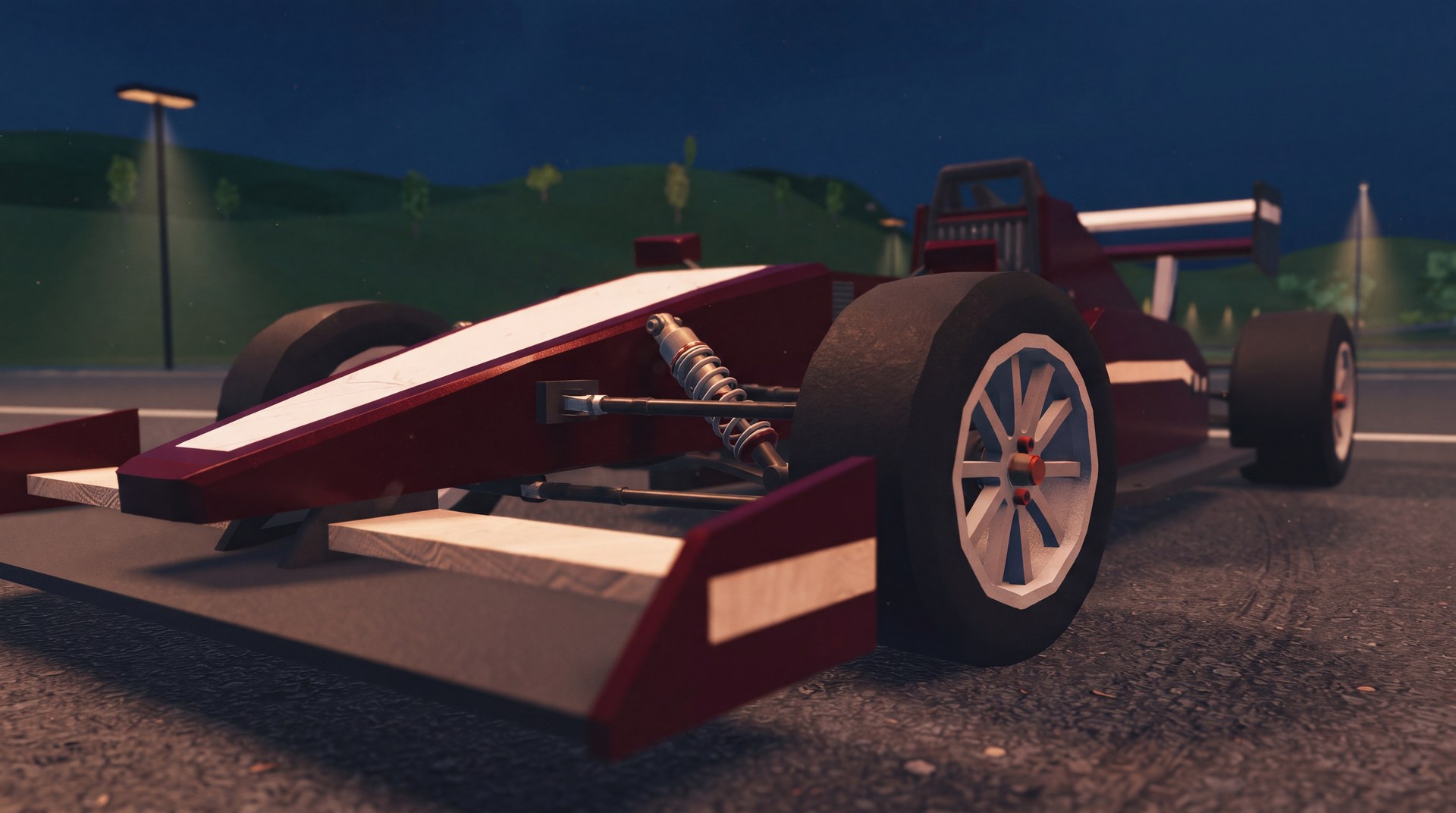
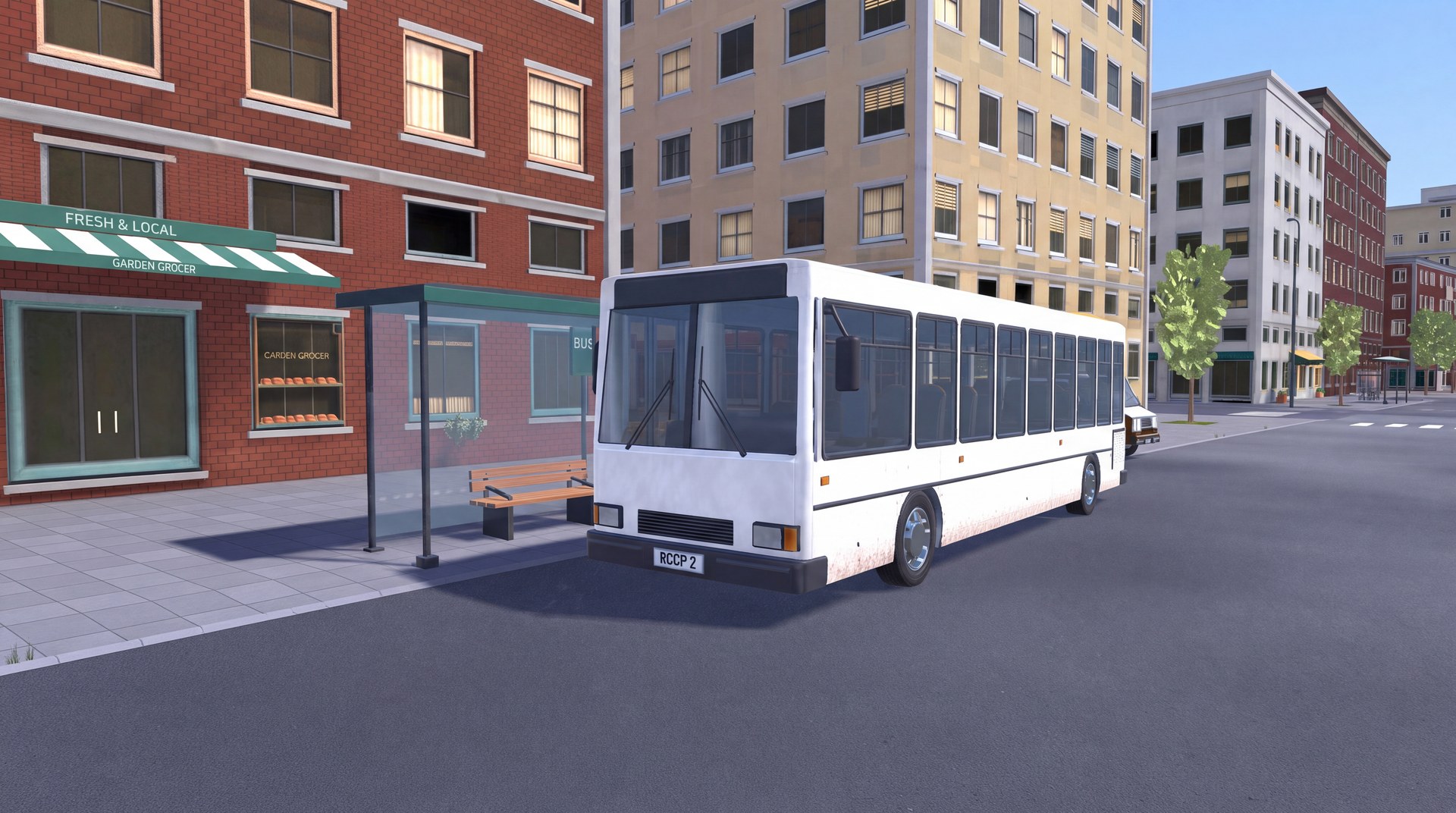
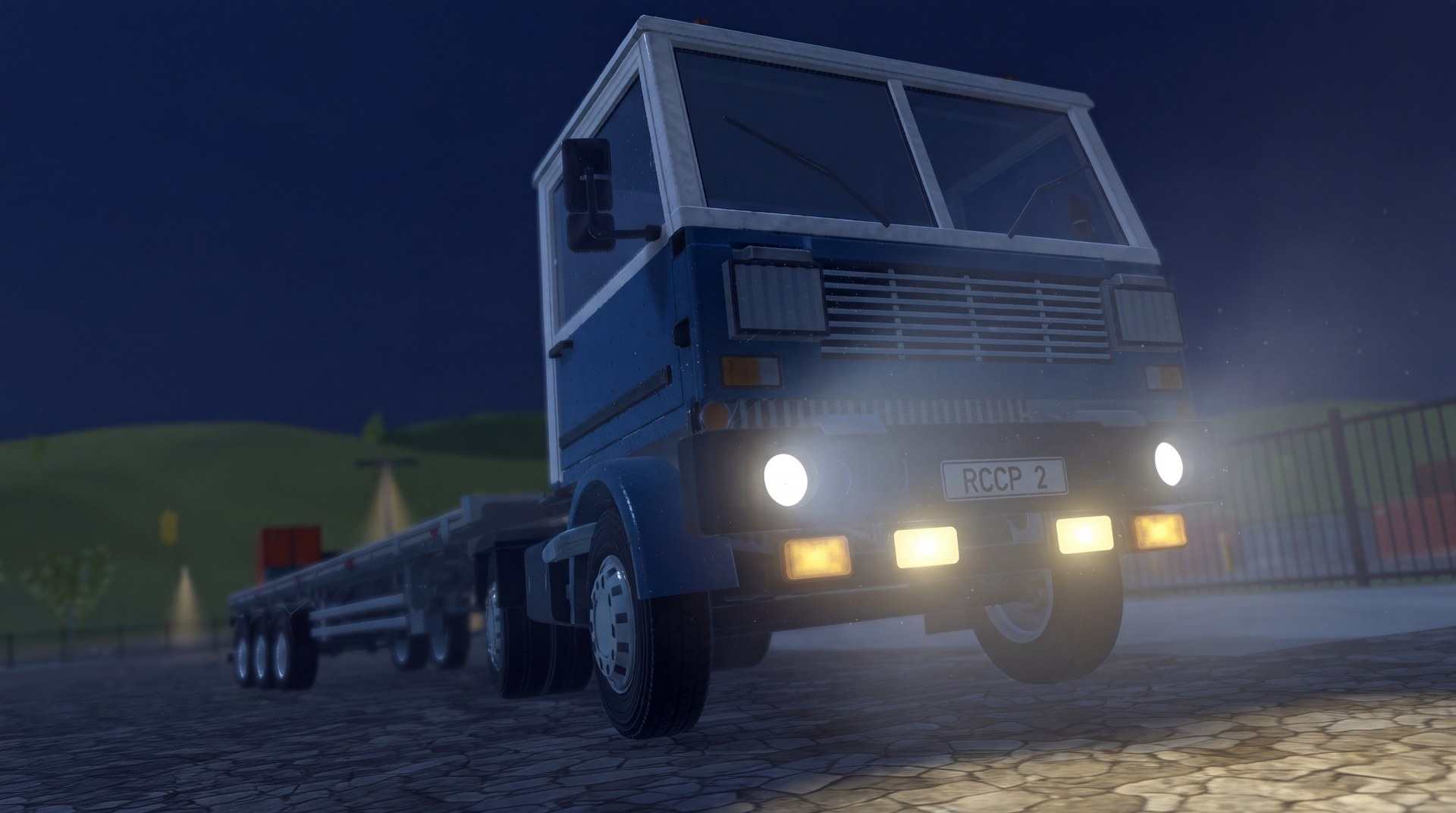
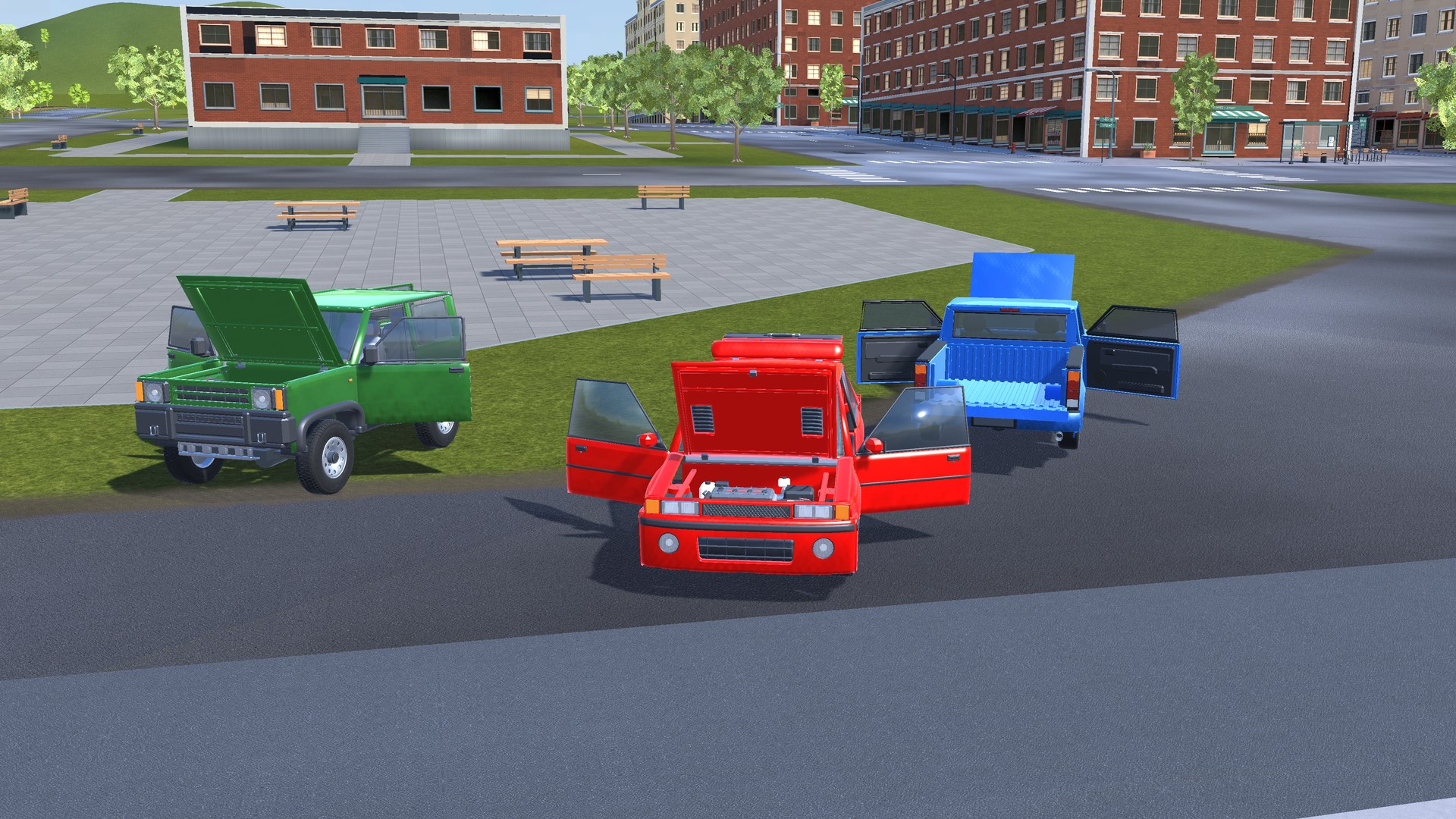
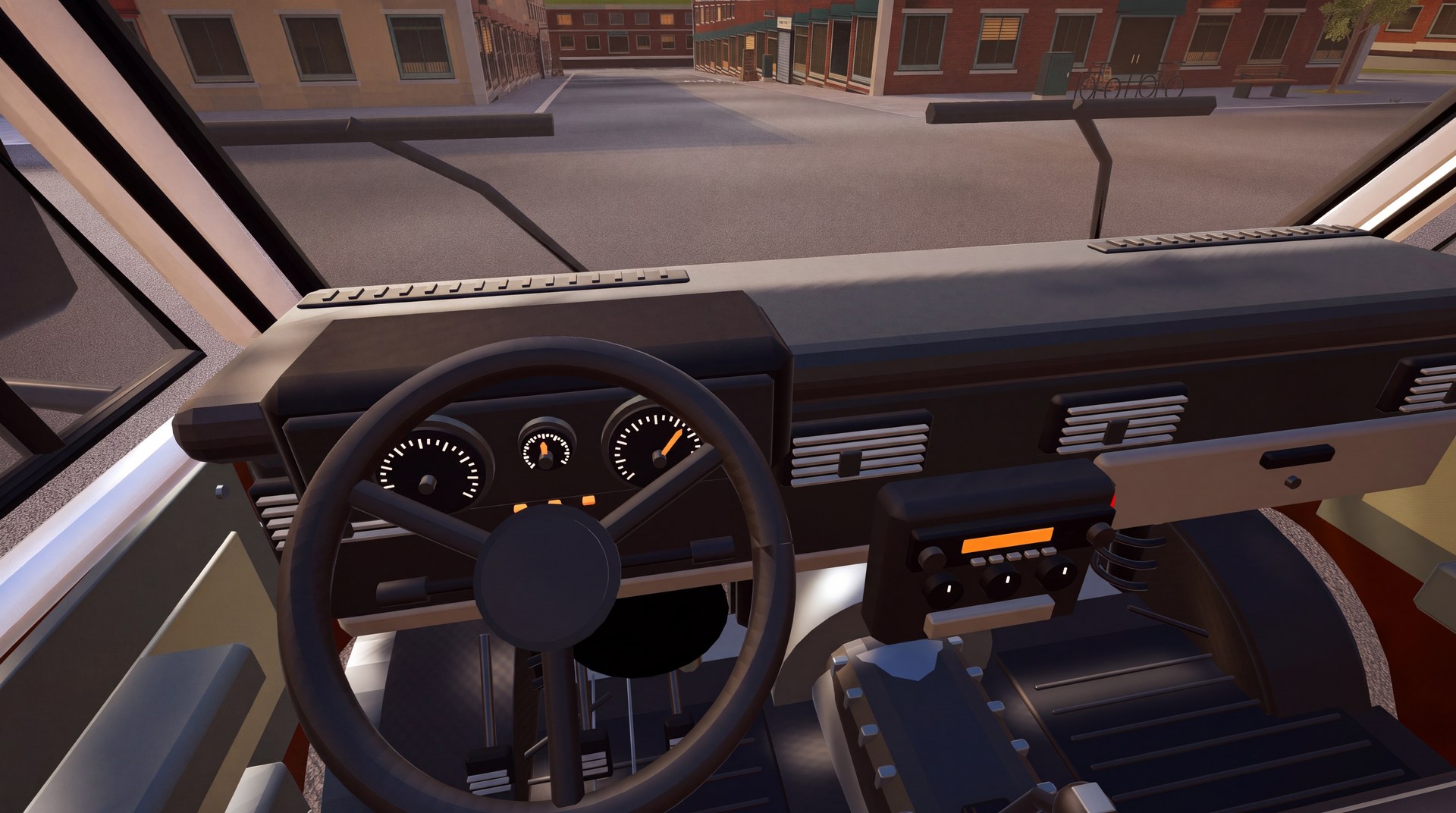
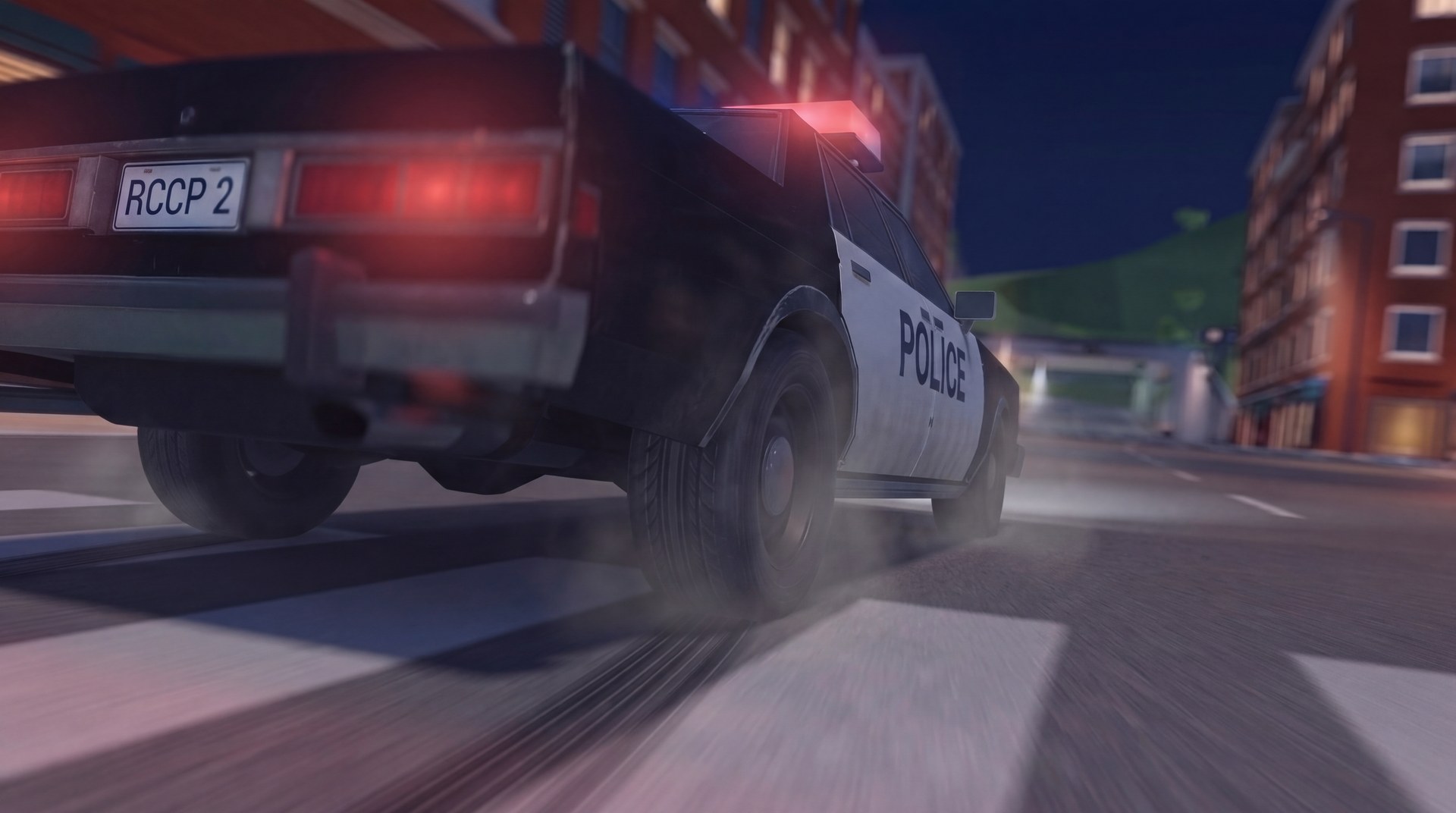
Build your own vehicles. Adjust their handling. Monitor each system while you drive. RCCP 2 combines a configurable drivetrain with direct control over tire forces, suspension response and road contact.
Configure How Your Vehicles Drive
Start with a behavior preset. Adjust each system for your game.
Custom Wheel & Tire Simulation
Acceleration, braking and cornering share the available tire grip. Adjust peak grip, sliding grip, load sensitivity and tire response.
Monitor wheel loads, tire forces, RPM and slip while you drive. RCCP 2 uses its own wheel simulation.
Suspension & Physical Alignment
Configure spring progression, damping, rebound response, road contact width and suspension limits.
Set physical camber, caster and toe. Adjust camber through suspension travel. Compare the live values.
Guided Vehicle Setup
Use the Setup Wizard to configure your vehicle model. Assign the wheels. Configure the drivetrain. Select the systems you need.
Adjust the settings in the Inspector, Vehicle Settings panel and Scene Panels. Use the included vehicles as setup examples.
Modular Vehicle Systems
Configure the drivetrain, damage, controls and presentation for each vehicle.
Drivetrain & Driving Assists
- Separate engine, clutch, gearbox, differential and axle components.
- Configurable torque curves, gear ratios and automatic or manual shifting.
- Anti-lock braking, traction control and stability control.
- Shared behavior presets and per-vehicle settings.
Damage & Customization
- Body deformation, detachable parts and wheel damage.
- Optional mechanical damage with power loss, overheating, steering pull and tire leaks.
- Repair damaged vehicles.
- Optional XPBD soft-body deformation.
- Paint, wheels, spoilers, decals and performance upgrades.
- Save player customization choices. Load saved customization choices.
AI, Replay & Flashback
- Waypoint routes and configurable AI driving behavior.
- AI drivers follow or chase targets and avoid obstacles.
- Record single-player driving. Replay recorded driving.
- Change the replay camera. Select a position on the timeline.
- Save replay clips for later playback.
- Use Flashback to resume driving from an earlier moment in the current driving session.
Controls & Live Vehicle Data
- Keyboard, gamepad and mobile touch controls through the Unity Input System.
- Configurable key bindings and mobile layout.
- Dashboard styles and a Telemetry HUD.
- Speed, RPM, gear and assist activity.
- Detailed wheel and vehicle values in the Unity Editor.
Audio, Lights & Effects
- Layered engine audio follows RPM and engine load.
- Separate acceleration and overrun recordings.
- Turbo, blow-off and backfire sounds.
- Configurable vehicle lights.
- Skidmarks and tire smoke.
- Surface settings for grip, sounds and effects.
- Visual tire deformation that responds to tire load.
Tire deformation changes the visible tire shape. The wheel simulation controls grip and suspension.
Demo Vehicles & Mechanical Rigs
The optional Demo Content addon includes 12 stylized vehicles, from passenger and sports cars to buses, trucks and a formula car.
Watch suspension and steering parts move with the vehicle. Use Rig view to hide the body and inspect the moving mechanisms.
Vehicles include interiors, engine assemblies and separate body panels where available. The core package includes a rigged Sedan.
Trailers & Towing
- Attach and detach a trailer.
- Trailer braking follows the towing vehicle.
- A parking brake holds the detached trailer.
- Use the context-sensitive Detach trailer action on the HUD.
Trailer wheels use Unity WheelCollider.
Cameras & Photo Mode
- Chase, cockpit, wheel, cinematic and top views.
- Optional slow-motion crash camera.
- Photo Mode with orbit, free-camera and automatic orbit controls.
- Adjust the field of view and compose screenshots.
Feature Lab & City Test Areas
Explore Compact City day and night scenes, including mobile scene variants. Use the map to select destinations or fast-travel with a connected trailer.
Try surface tests, trailer areas and the damage yard with its pendulum, press, crusher and impact ram. A separate OpenChassis scene demonstrates the exposed chassis.
Add the optional Feature Lab panel to change live engine, drivetrain, wheel, damage, camera and effect settings. Reset individual settings or categories to compare results. Changes last for the current play session.
Full Demos
Explore Compact City and the demo vehicle collection. Downloads exceed 100 MB.
Core Demos
Try the core vehicle systems in the Prototype scene with one car: Sedan01.
Compatibility & Requirements
RCCP 2 requires Unity 6 (6000.0 or newer), Input System, Unity UI (uGUI) and Editor Coroutines.
The core supports Built-in, Universal Render Pipeline and High Definition Render Pipeline. For URP or HDRP, import the related shaders. Then convert the materials. Decals and neon underglow require URP or HDRP.
Install the optional Demo Content addon for Compact City and the full demo vehicle selection. Demo Content requires AI Navigation and Newtonsoft Json. AI drivers require a baked NavMesh.
Visual tire deformation uses GPU compute where supported and falls back to the CPU when compute is unavailable. GPU mode requires the assigned deformation shader.
In WebGL, soft-body preparation runs on the main thread. Adjust deformation quality and effects for your target device.
Custom vehicle models need the correct scale and separate wheel objects.
Included guides cover installation, vehicle setup, tuning, scripting and troubleshooting.
Upgrade from RCCP 1 to RCCP 2
RCCP 2 is a separate product. You can use RCCP 2 without owning RCC or RCCP 1.
Full file and settings migration supports RCCP 1 V3.5.0 and V3.5.1. The installer provides backup, file checks, wheel data conversion and migration reports.
Other RCCP 1 versions use list-only mode, which leaves file relocation and settings transfer to you. Update RCCP 1 to a supported version before a full migration.
RCCP 2 replaces RCCP 1 in your project. After migration, test acceleration, braking and cornering. Adjust the vehicle settings for the new simulation.
Custom scripts that read Unity WheelCollider simulation results need the RCCP 2 wheel API. Vehicles built with RCC require a new setup for RCCP 2.
Build the Vehicle Your Game Needs
Start with the demo vehicles. Configure your own model. Use live vehicle data to adjust the handling.